Tip: Save the phrase cards you may need before you go out. If a translation app fails, you can show the image directly to a hotel clerk, driver, cashier, restaurant staff member, or police officer.
Use this as a phrase-card hub, not a dictionary. Pick the situation first, then open the exact card you need.
If you save only one Chinese language page before coming to China, save this one. It is the entrance to short, practical phrase cards for the moments when a translation app, English pronunciation, or app interface is not enough.
Pick your situation
Eating and allergies
Order food, ask about spice, explain allergies, pay, and pack leftovers.
Taxis, DiDi, directions
Show addresses, meet drivers, explain pickup problems, and ask for metro directions.
Hotels and check-in
Check in, show passport, solve booking confusion, ask for luggage storage, and handle room problems.
Hospital and pharmacy
Explain basic symptoms, allergies, pharmacy needs, and urgent medical help.
Payment and shopping
Ask about Alipay, WeChat Pay, cards, cash, failed payment, receipts, and returns.
Airport, train, metro
Find exits, baggage claim, taxi pickup, boarding gates, platforms, and ticket help.
Phone, SIM, app problems
Get help with Wi-Fi, mobile data, verification codes, SIM cards, and app failures.
Emergency and lost items
Ask for police, ambulance, passport help, lost phone help, and hotel/embassy contact.
Core phrases everyone should save
These are the small phrases that work across many situations. They are not impressive, but they are useful when you are tired, offline, or trying to get help fast.
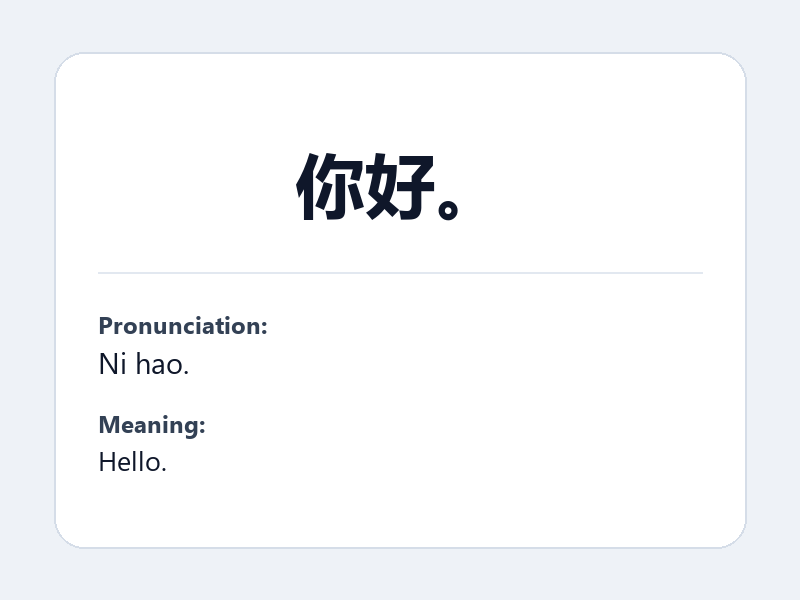
Use it when: You need to get someone’s attention politely.
你好。
Pinyin: Ni hao.
Hello.
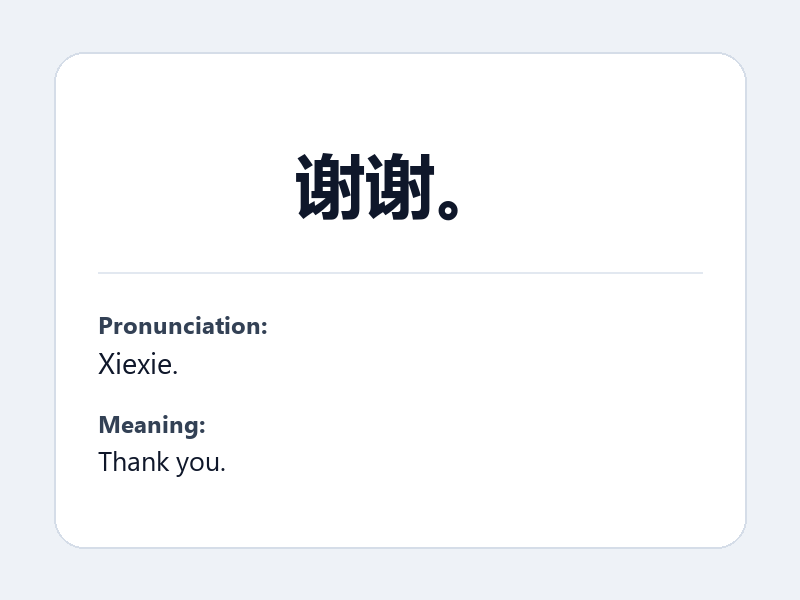
Use it when: Someone helps you.
谢谢。
Pinyin: Xiexie.
Thank you.
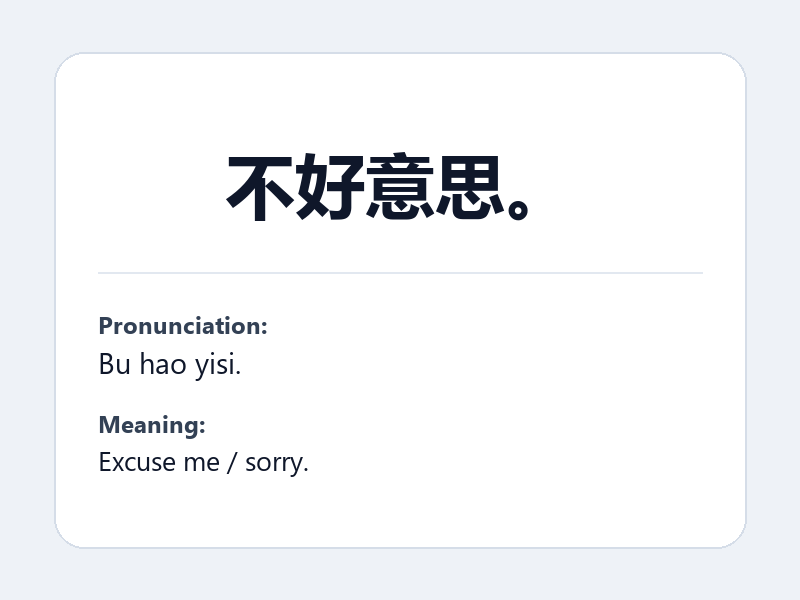
Use it when: You need to interrupt, apologize, or ask a small favor.
不好意思。
Pinyin: Bu hao yisi.
Excuse me / sorry.
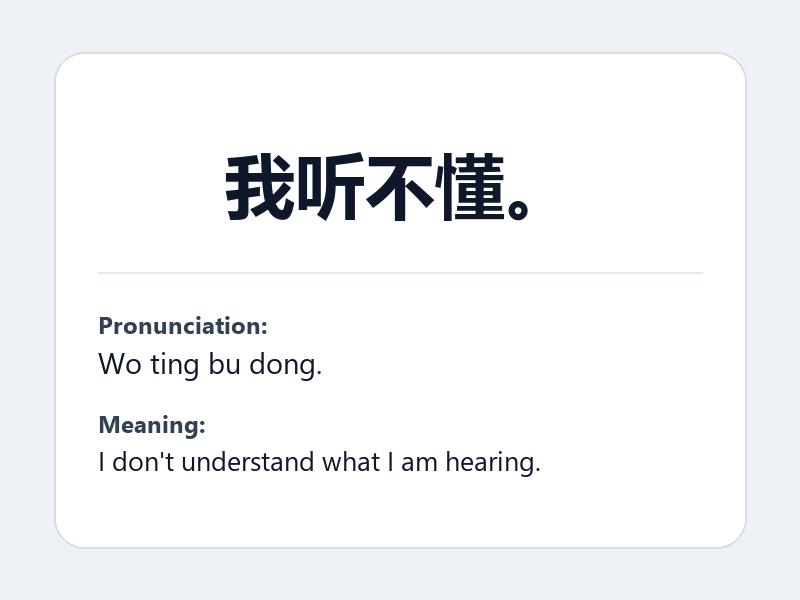
Use it when: You cannot understand what the person said.
我听不懂。
Pinyin: Wo ting bu dong.
I don’t understand what I am hearing.
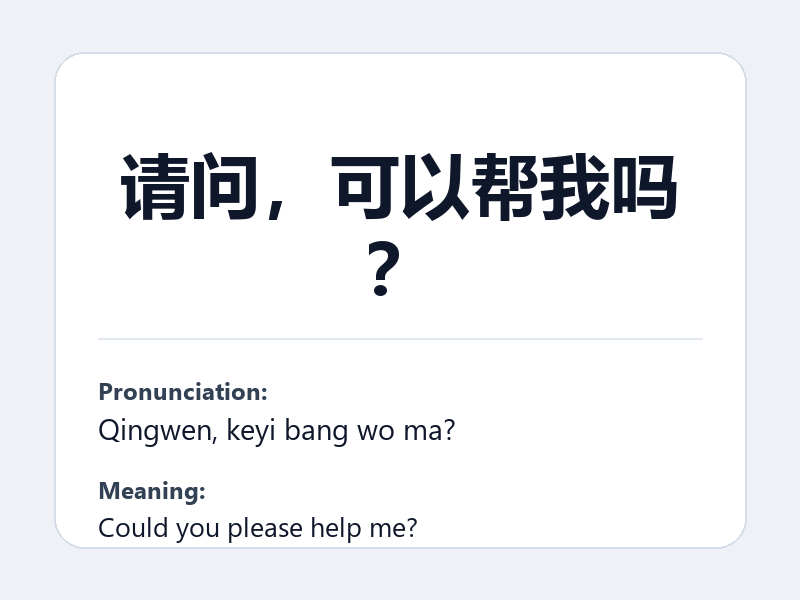
Use it when: You need direct help.
请问,可以帮我吗?
Pinyin: Qingwen, keyi bang wo ma?
Could you please help me?
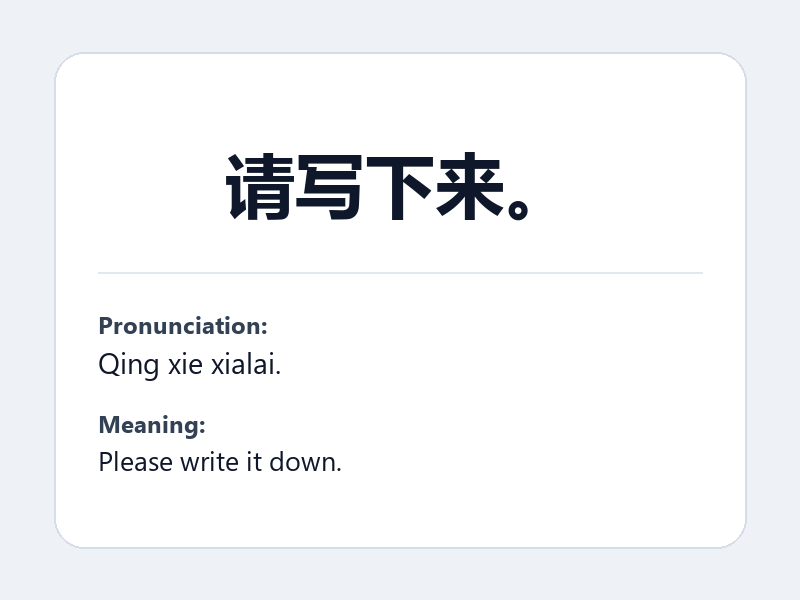
Use it when: You want the person to write something down.
请写下来。
Pinyin: Qing xie xialai.
Please write it down.
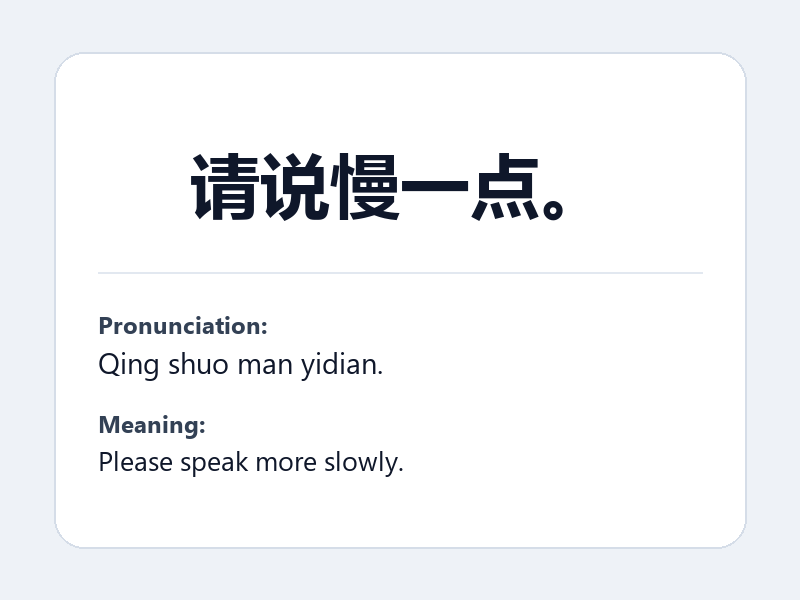
Use it when: The person is speaking too fast.
请说慢一点。
Pinyin: Qing shuo man yidian.
Please speak more slowly.
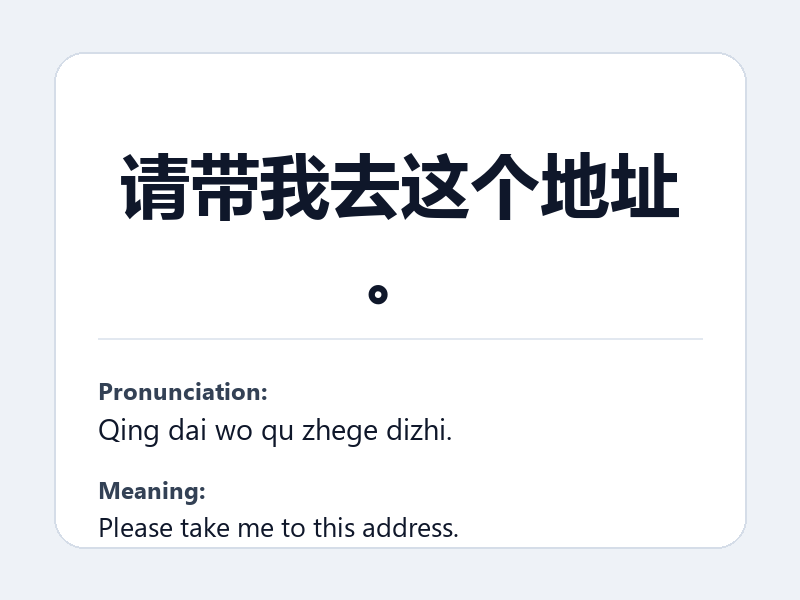
Use it when: You need to show an address.
请带我去这个地址。
Pinyin: Qing dai wo qu zhege dizhi.
Please take me to this address.
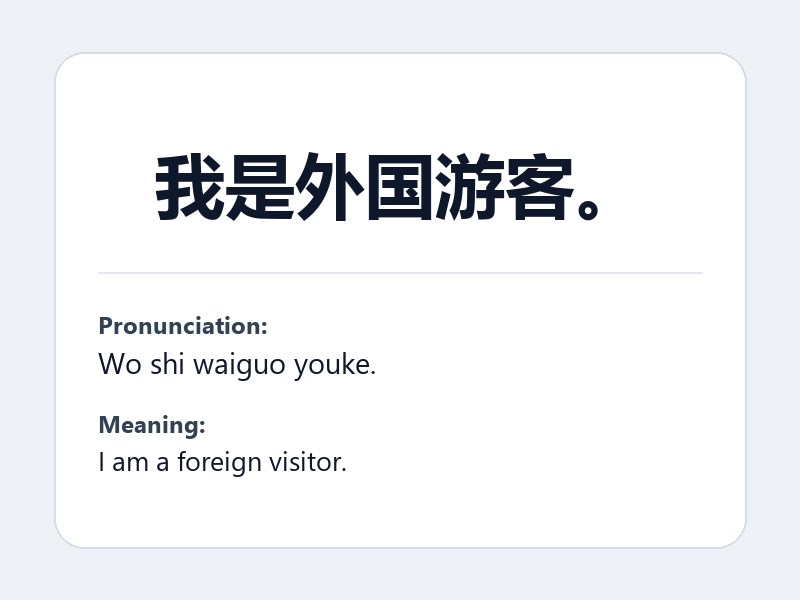
Use it when: You need to explain why communication is hard.
我是外国游客。
Pinyin: Wo shi waiguo youke.
I am a foreign visitor.
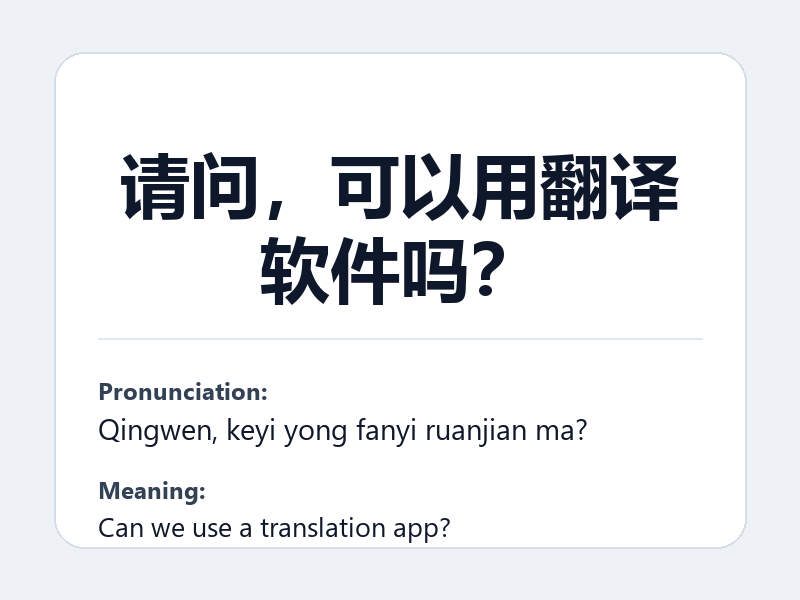
Use it when: You want to use Google Translate or another translation app.
请问,可以用翻译软件吗?
Pinyin: Qingwen, keyi yong fanyi ruanjian ma?
Can we use a translation app?
How to save these pages before your trip
- Open each card you might need. Start with hotel, transport, payment, and emergency phrases.
- Take screenshots. Do not assume airport Wi-Fi or roaming will work immediately.
- Save your hotel address in Chinese. This is often more useful than the English name.
- Use the Chinese line first. Pinyin helps you say the phrase, but Chinese characters help locals understand it.
Important: Chinese pronunciation can differ a lot from English app names. For apps, show both the English name and the Chinese name: Alipay (支付宝, Zhifubao), WeChat Pay (微信支付, Weixin Zhifu), DiDi (滴滴, Didi), and AMap / Gaode Maps (高德地图, Gaode Ditu).
FAQ
Should I memorize all of these phrases?
No. The practical move is to save the page and show the Chinese phrase. Memorizing pinyin is optional.
Why split phrases by situation?
Because a giant list is hard to use under pressure. A hotel front desk problem, restaurant allergy problem, and taxi pickup problem need different phrases.
Can I just use a translation app?
Yes, but translation apps are not always available when data, battery, app verification, or airport Wi-Fi fails. These cards are a backup layer.
Before you leave Wi-Fi: save the cards you are most likely to need today, especially hotel address, taxi pickup, payment failure, allergy, pharmacy, lost phone, and emergency help cards.