Hotel Wi-Fi can be excellent once you are connected. The awkward part is the login page. It may expect a mainland phone number, ask for the room number and surname, or open a Chinese-only screen that never appears again after you close it.
Try these in order
- Connect to the exact network named by reception; avoid similarly named unsecured networks.
- Wait for the login page, or open a normal non-secure webpage to trigger it.
- Try room number plus the booking surname if those fields are shown.
- Look for passport, foreign number, room guest, or front-desk authorization options.
- If an SMS code is mandatory and your number is rejected, ask reception for the hotel’s foreign-guest route.
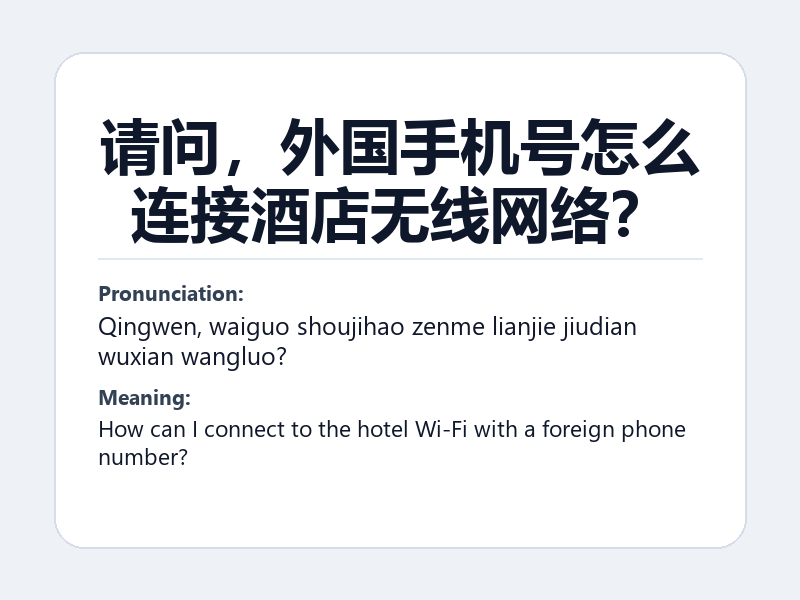
请问,外国手机号怎么连接酒店无线网络?
Pronunciation: Qingwen, waiguo shoujihao zenme lianjie jiudian wuxian wangluo?
How can I connect to the hotel Wi-Fi with a foreign phone number?
If the page keeps looping
- Turn off mobile data briefly so the phone cannot bypass Wi-Fi.
- Forget the network and reconnect once.
- Disable a privacy relay or VPN temporarily only if you understand the risk and need the captive page to load.
- Try another browser.
- Ask whether each device needs separate authorization.
Keep a backup
Do not make hotel Wi-Fi your only connection before a flight, train, or payment setup. Keep roaming, an eSIM, or a local SIM available until critical bookings are saved offline.
FAQ
Can reception ask for my passport?
The hotel already uses your passport for guest registration. A network login should not require you to send a passport image to an unknown chat account or QR page.
Is public hotel Wi-Fi safe for banking?
Prefer mobile data for sensitive account changes. Confirm the network name and avoid installing certificates or unknown apps just to connect.
Official information to check
Related: keep verification codes working.